→ Curved white museum facade beneath a clear blue sky

WordPress 7 · Media accessibility workbench
Review every image in context.
Audit large media libraries, generate page-aware alt-text drafts through your WordPress AI Connector, and keep every published change under human control.
No stored AI keys. No Free telemetry. No unattended publishing.→ Blue glass serum bottle on a pale stone plinth
→ Bowl of ripe figs on a linen tablecloth
→ Mark decorative only when an editor decides
Running on WordPress 7.0.2
The real workbench, not a marketing mockup.
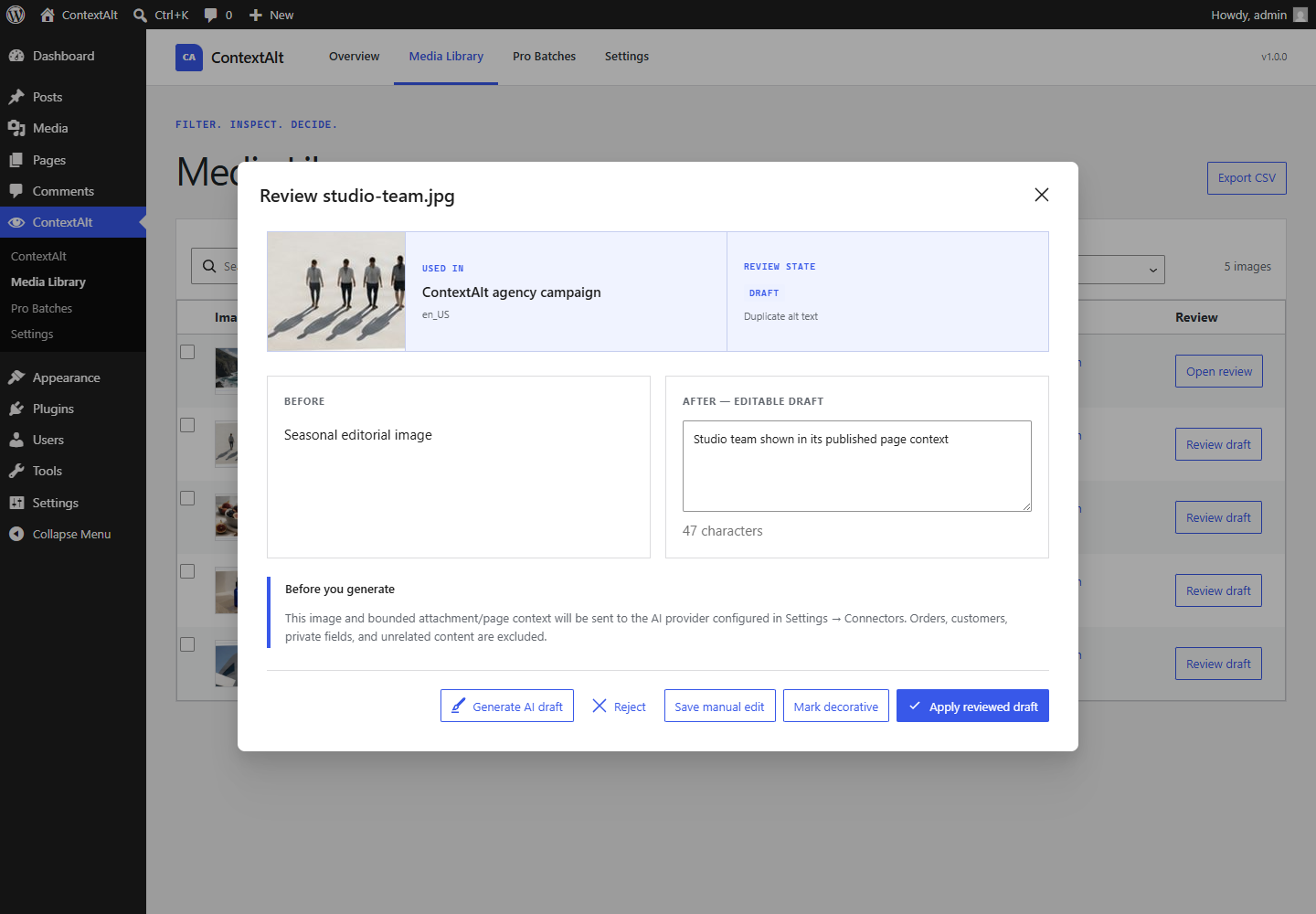
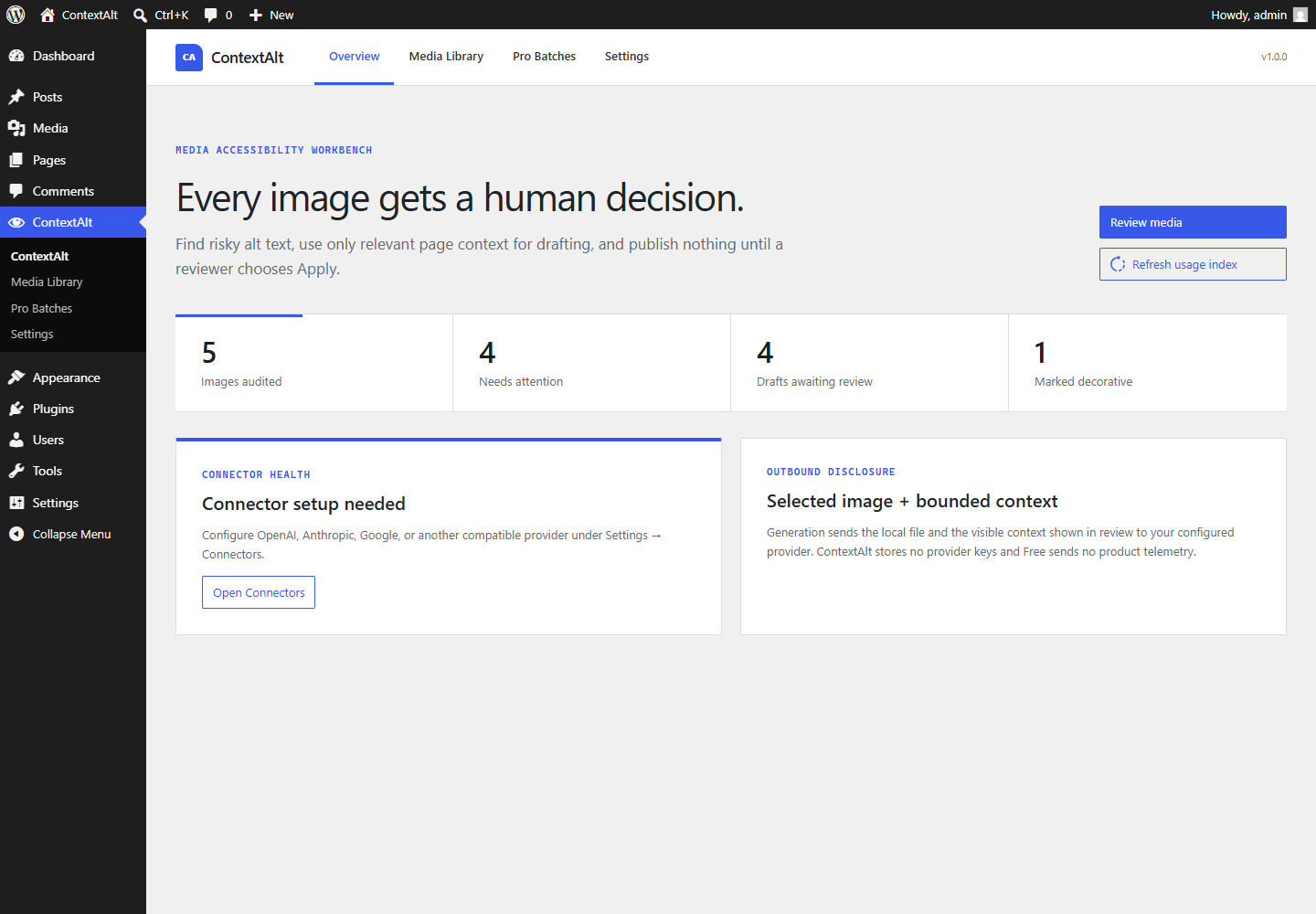
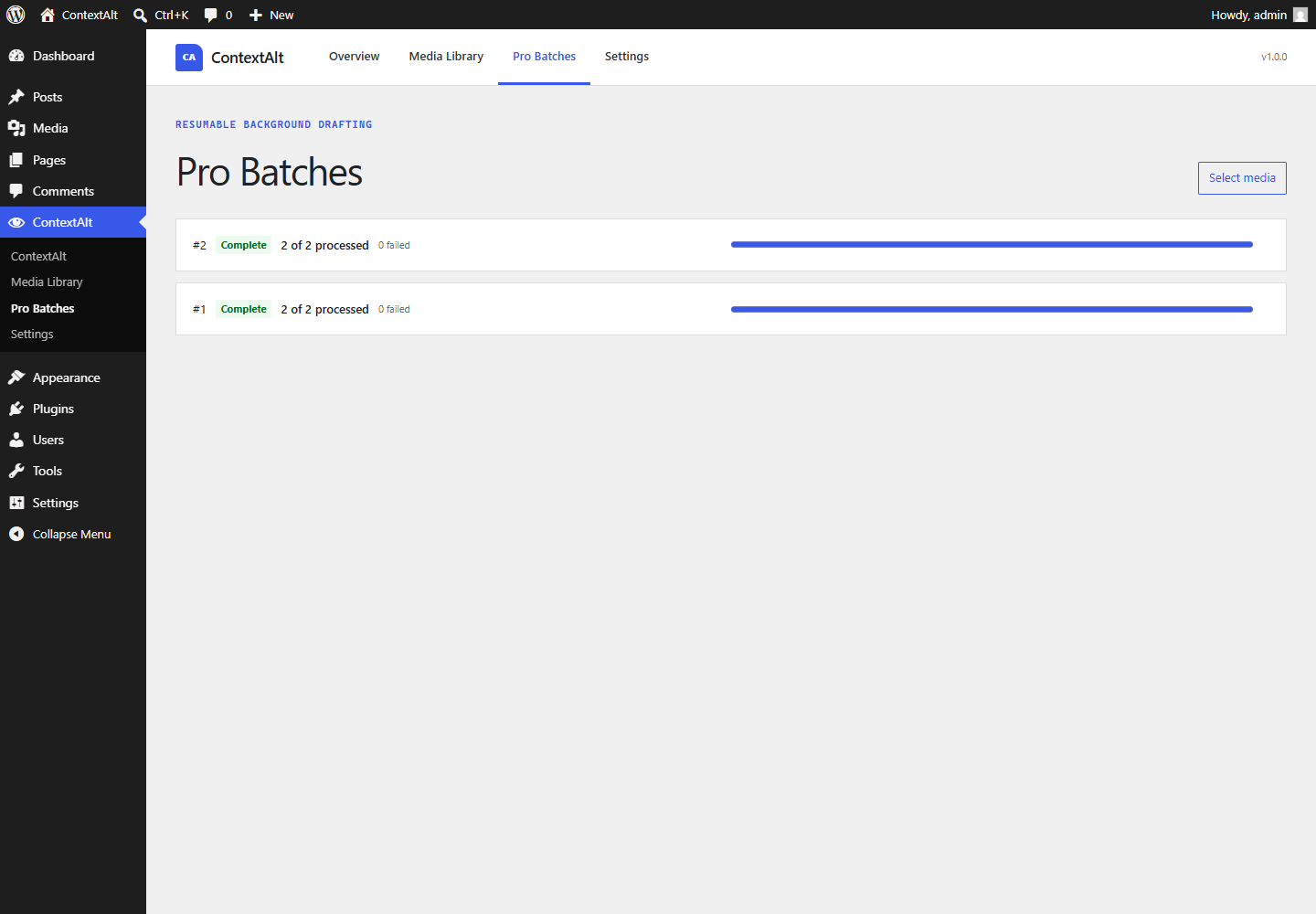
These screens come from the release build: a bounded overview, a context-rich review drawer, and resumable Pro batches.
One careful loop
From 10,000 attachments to decisions you can explain.
ContextAlt separates finding problems, drafting language, and publishing changes. That separation is the safety feature.
- 01
Audit deterministically
Find missing, unmarked empty, filename-like, duplicate, boilerplate, and unusually long alt text. Decorative is never guessed.
- 02
See where the image lives
Review featured-image and Gutenberg usage, nearby visible copy, attachment metadata, and language before asking for a draft.
- 03
Draft through your connector
The selected local image and bounded context go to the provider you configured under WordPress Settings → Connectors.
- 04
Review, apply, roll back
Edit the suggestion, reject it, mark the image decorative, or explicitly apply. Source hashes stop stale drafts from overwriting newer work.
The proof strip
Before and after are never separated from why.
The review drawer keeps the thumbnail, usage context, language, issue labels, current text, editable draft, provider disclosure, and apply action in one keyboard-friendly view.
- Plain single-line response validation
- No HTML, Markdown, wrapping quotes, or keyword stuffing
- Latest-change rollback in Free; complete history in Pro
USED INSummer collection — product heroEnglish · featured image
REVIEW STATEDraftMissing alt text
BEFORENo alt text
AFTER — EDITABLE
Model wearing a cobalt linen jacket beside a white studio wall
Selected image + bounded context disclosed
A complete Free plugin, a focused Pro add-on
Start useful. Upgrade when the workflow grows.
WorkflowFreePro
Complete library audit and filtersIncludedIncluded
Manual editing, decorative marking, one-at-a-time AI draftsIncludedIncluded
Review, apply, reject, latest rollback, connector health, CSVIncludedIncluded
Resumable batches and scheduled draft generation—Included
Selected bulk decisions, full history, team capabilities—Included
WooCommerce, Elementor, WPML, Polylang, client reports—Included
Deliberately bounded
Your provider. Your bill. Your decision.
ContextAlt uses WordPress 7’s provider-agnostic AI Client. API credentials stay in WordPress Connectors; the plugin stores none. Generation includes only the image a user selected and the visible, bounded context disclosed in review.
Orders, customers, private fields, secrets, and unrelated content are excluded. Free contains no product telemetry. Pro licensing and optional telemetry stay isolated behind explicit consent.
Simple annual licenses
Pro pricing built for one site or fifty.
All Pro plans include the full add-on. Customers pay their own AI-provider usage.
1 site · billed yearly
Buy Solo5 sites · billed yearly
Buy Agency50 sites · billed yearly
Buy StudioUSD, billed annually; applicable taxes are calculated at checkout. Includes a 14-day money-back guarantee. Freemius is the merchant of record. Licenses cover updates and support; installed Pro code remains GPL-2.0-or-later.
ContextAlt Free 1.0.0
Download Free 1.0.0
Make the library reviewable today.
WordPress 7.0+ · PHP 7.4+ · GPL-2.0-or-later
Straight answers
Before you install.
Does ContextAlt make my site compliant?
No. It helps a human team find issues, draft alternatives, document decisions, and reverse changes. It does not promise WCAG, ADA, EAA, SEO-ranking, or legal compliance.
Can a schedule publish alt text automatically?
No. Scheduled automation creates drafts only. A user with the apply capability must explicitly publish selected changes.
Where are provider API keys stored?
ContextAlt does not store them. WordPress Connectors manages the provider configuration.
Does it work on multisite?
Yes. Each site keeps separate tables, settings, history, schedules, and licensing state. A cross-site agency dashboard is outside version 1.